
Need Help from working from anywhere contact us today

Reduce the risk of Cyber security breaches, by talking to one of our team

Our well-trained team are ready to help.
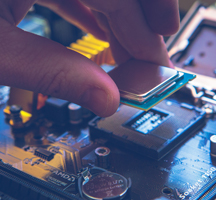
Need help to recover those important files?

Discover how TCCB can help you, get the best out of your technology
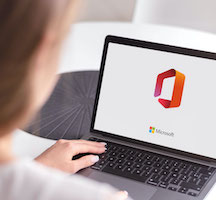
Empower your Business with our Microsoft 365 packages

If you’ve ever wondered about the difference between storage drives, how to keep your laptop running well, or how to protect yourself online, this quick guide covers the basics.
There’s also a short video with helpful tips to walk you through each section.
SSD vs HDD – What’s the Difference?
Router – Home vs Business
How to Stop Your Laptop Overheating
Keeping Your Laptop Clean
What is a VPN and Why Use One?

The Computer Clinic have been integral in ensuring we have the best systems in place for taking our business forward and this was particularly tested when we moved premises last year, always a challenging time, but thanks to Dan we were up and running far quicker than we anticipated. The Computer Clinic offer the ideal solution for us...
I would recommend the Computer Clinic to anyone looking for either logo design, IT support or web design and build. Daniel has listened to my needs and quickly created the perfect logo design for my Handyman business. Having everything done in one place has the advantage of continuity of logo design and style on every medium.
We have used The Computer Clinic Bicester since their inception and can vouch first hand of their reliability, honesty and integrity. On many, many occasions the team’s ability to return calls and respond quickly has ensured the lowest possible downtime for us. The Computer Clinic Bicester took time to understand our IT set up and are always...








 Get Support